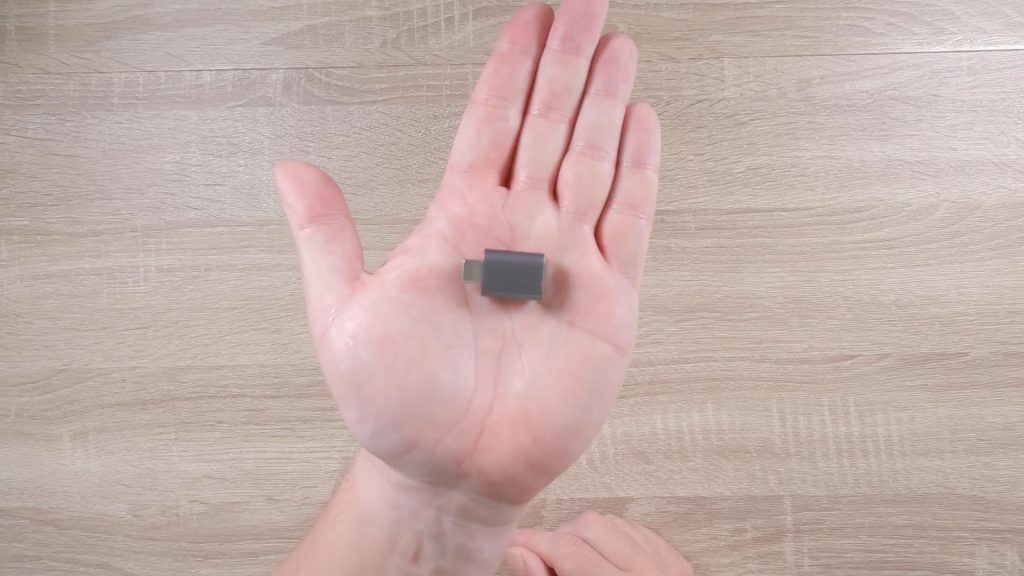

Latest PostsWhat's in my tech tool kit24th September 2026 What’s in my tech toolkit | A Syntech USB to USB C adapter
Latest PostsmacOSmacOS troubleshooting17th September 2026 How to make recovery media for Apple Macintosh computers
Latest PostsSynology NAS tips10th September 2026 Synology NAS | Connecting the Synology Photos app via QuickConnect
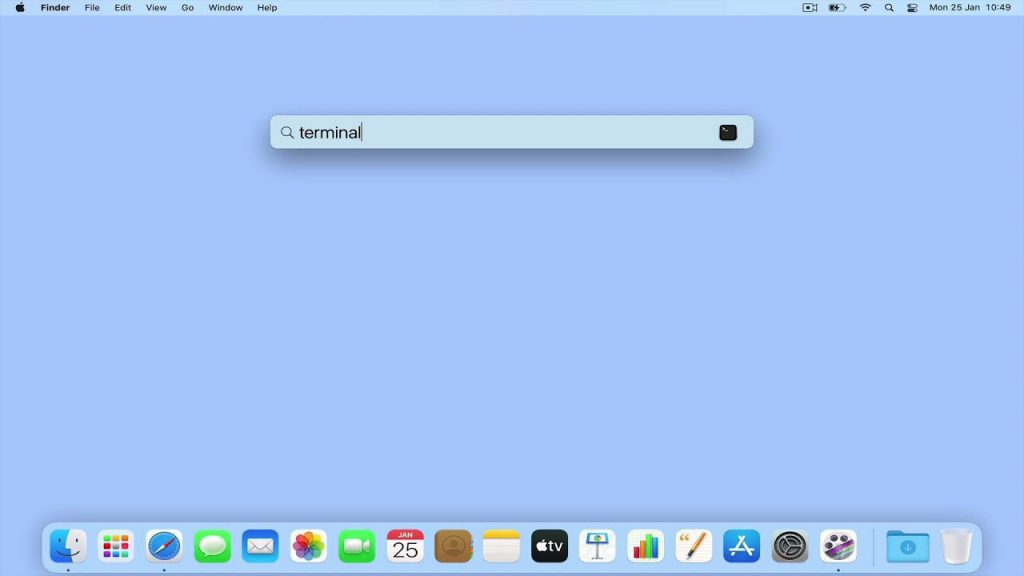
macOSmacOS networkingmacOS terminal commandsmacOS troubleshootingbyEditorial Team2nd April 2021 Useful macOS network terminal commands – How to find your local IP address
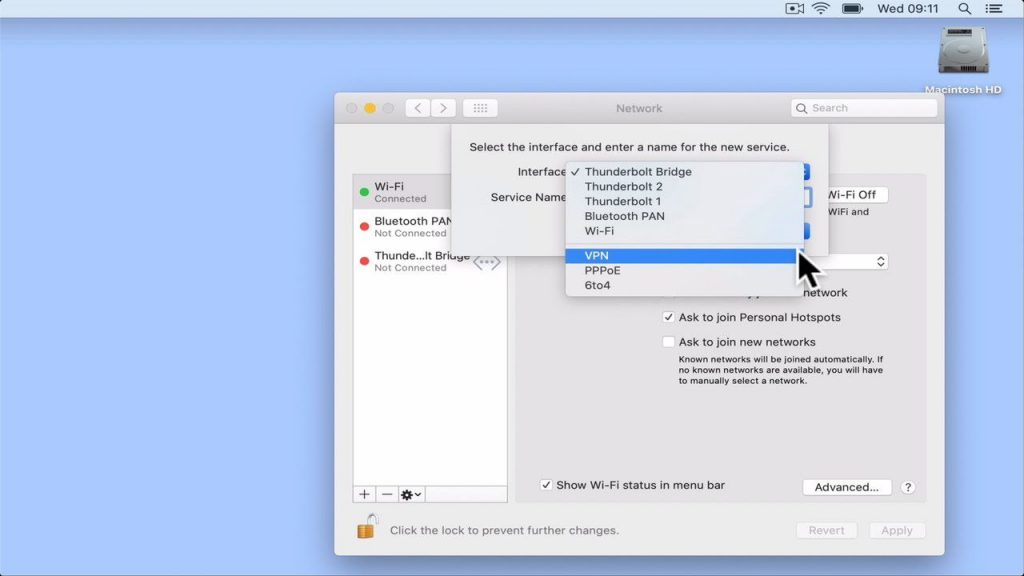
macOSSynology Network Attached Storage (DSM 6)byEditorial Team28th March 2020 How to set up a Synology NAS: Configuring macOS VPN Client to use L2TP/IPSec.
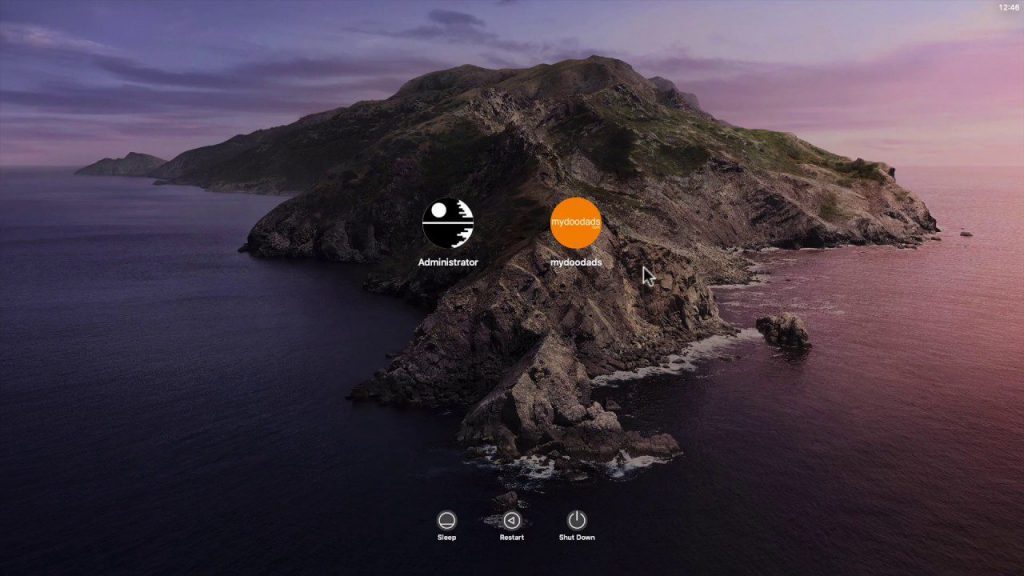
macOSbyEditorial Team20th March 2020 How to set a lock message in the login window to your Apple Macintosh computer (macOS).
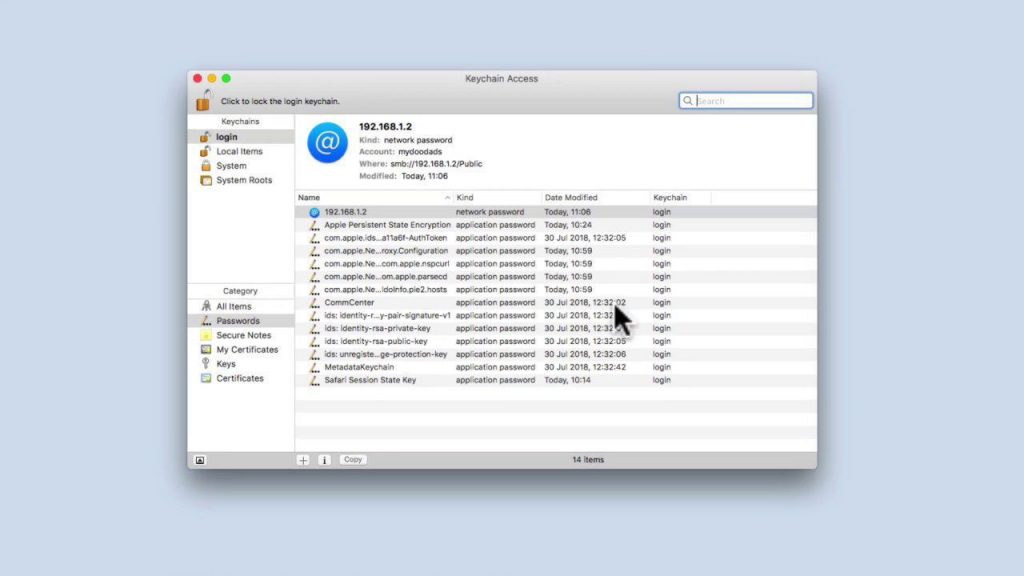
macOSSynology NAS tipsbyEditorial Team5th April 2019 Synology NAS Tip: Clear cached network user credentials from macOS.
macOSSynology NAS tipsbyEditorial Team20th November 2018 Synology NAS Tip: Bookmarking and quickly accessing network shares in MacOS
AppleArticlesmacOSbyEditorial Team24th December 2017 How to take a screenshot of your screen in macOS
AppleArticlesmacOSbyEditorial Team23rd December 2017 How to lock your Apple Macintosh computer while you are away from your desk.
AppleArticlesmacOSbyEditorial Team22nd December 2017 What is the shortcut key to Sign out of a macOS user account?
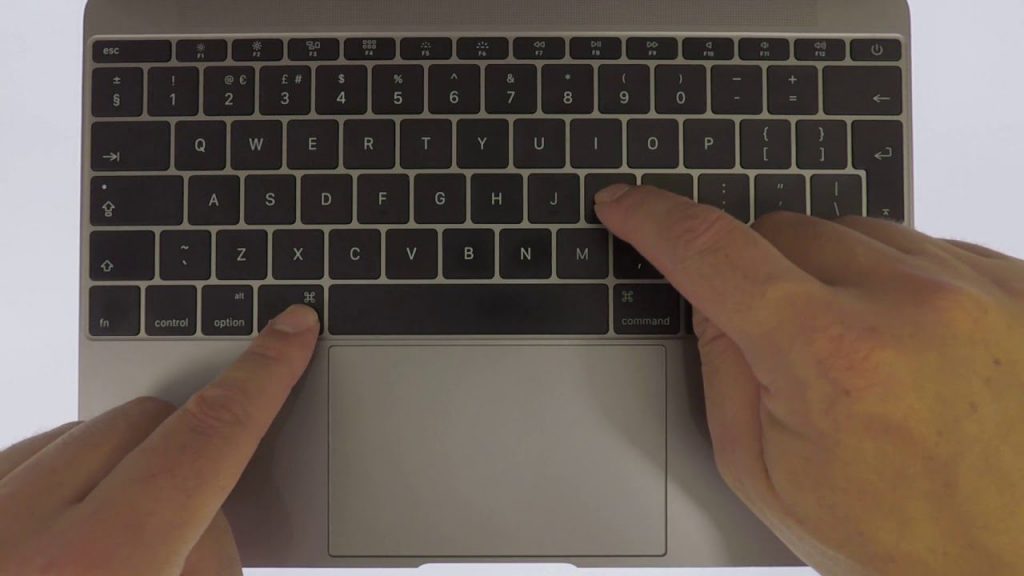
AppleArticlesmacOSmacOS troubleshootingbyEditorial Team21st December 2017 What is the Apple Macintosh equivalent of Ctrl + Alt + Delete