





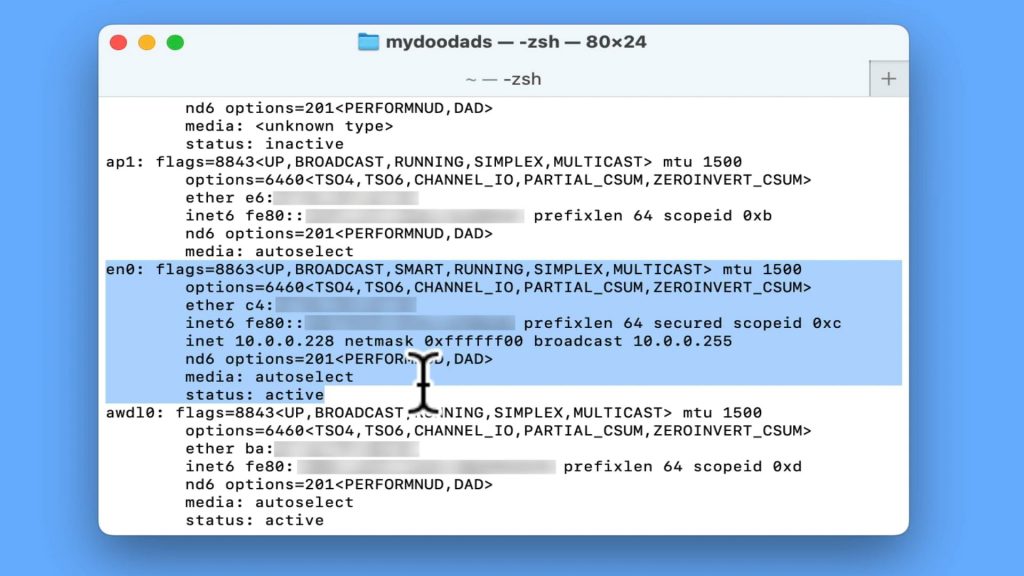
If you are a Windows user, you probably used a terminal command called ipconfig. However in macOS, while the ipconfig command is recognised. It does not produce a report to make it easy to see your computers network settings. Instead if you want to quickly see your network settings, you should use the ifconfig command, which is what we will be demonstrating in the video.
Note: As macOS and Linux are distant cousins, the ifconfig command will work in the same way on both operating systems.

