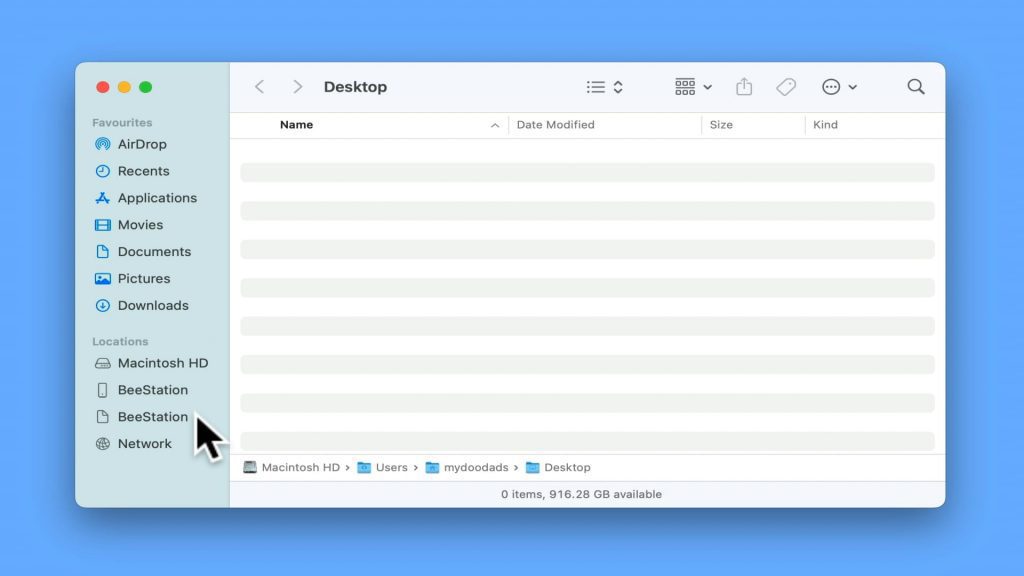
So, you’ve set up your Synology BeeStation as a file server, and guess what? You now see two BeeStation icons in the sidebar of Finder on macOS. While it may surprise you to find out that this is a feature of the operating system. To make things less confusing, we are going to demonstrate how you can get rid of one of these icons.
Note: A second BeeStation icon seems to appear, if you use the Connect to Server command in order to open all of the network shares on your BeeStation. In fact, you should see that one BeeStation icon links to the MyFiles sync folder on your BeeStation. While the second simply displays the default network shares created on your BeeStation.