





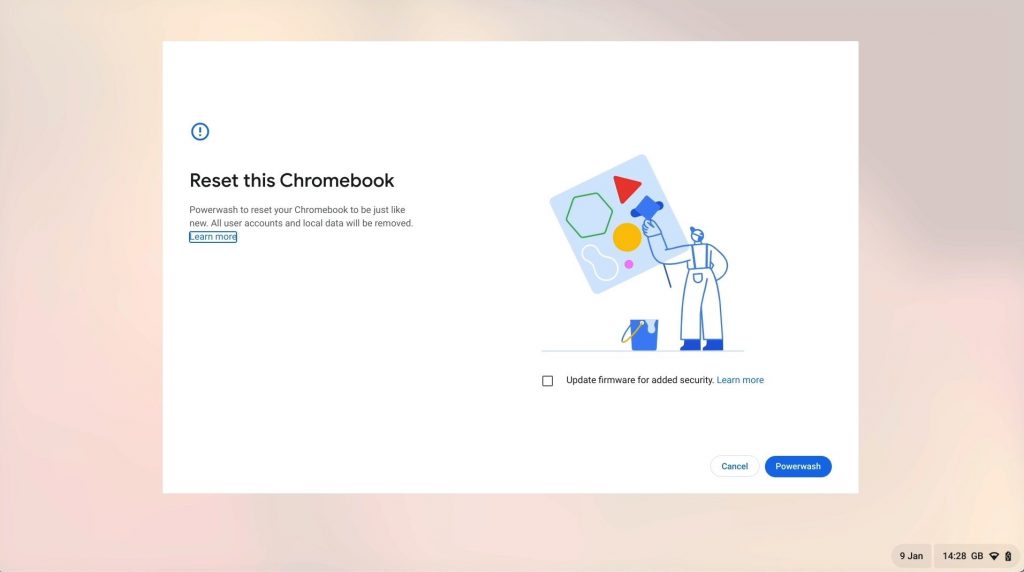
In this video we demonstrate how you perform a factory reset, (Powerwash) on a Google Chromebook. As performing this action will return a Chromebook back to its original factory system state. Typically you would perform a factory reset if you intend to decommission, sell or give away your computer.
While factory resetting your Chromebook will delete all Google accounts, user data and the applications that you installed onto the computer. As the accounts and user data will not deleted from Google’s servers. When you sign back into your Chromebook, your Google account and it’s user data will be restored.
Notes: In some instances you might also find that factory resetting your computer, will improve its performance. However usually the main benefit in performing a factory reset, is that it will repair a corrupt instance of ChromeOS.


