
If you’re having trouble with connecting Windows to your home network. In this section we have included any of the tips that we can think of, along with any of the diagnostic tools that have helped us to either, find or fix a problem.
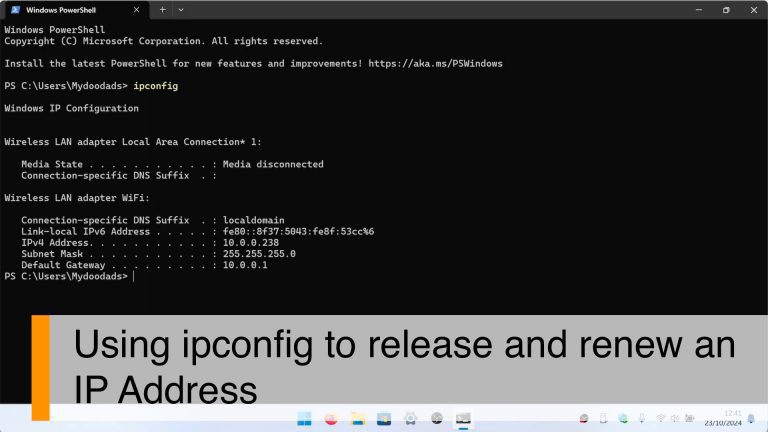
In this video we demonstrate how using a terminal command in Windows. You can quickly release and…

After configuring the firewall on your Synology NAS, you might want to test a specific port to see…

If you’re having trouble with your WiFi or just want to know what kind of WiFi your computer can…

The IPconfig command is a super useful tool in the Windows terminal. It can give you all the info…

In Windows, the wireless network settings you use to connect to a wireless access point are stored…

In this video we demonstrate how using a terminal command in Windows, you can quickly determine the…

In this video, we take a look at how you access a network share from a Microsoft Windows computer…

Mapping a network share to File Explorer is a breeze, but if you can remember the commands, it’s…

Mapping a network share to Windows is a way to make a network resource appear as if it is a local…
